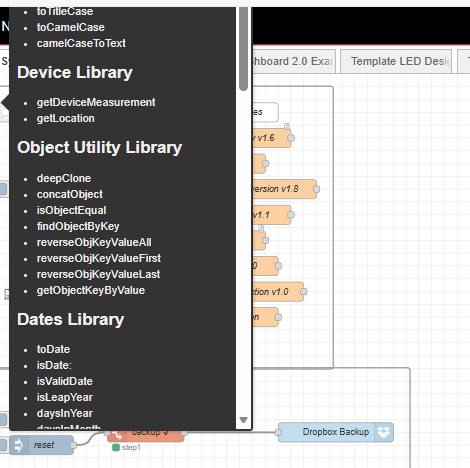
It appears to be working for me in Chrome. What browser are you using?
Chrome. But same in edge and firefox.
Shift Scroll scrolls up and down in 5 beta. weird.
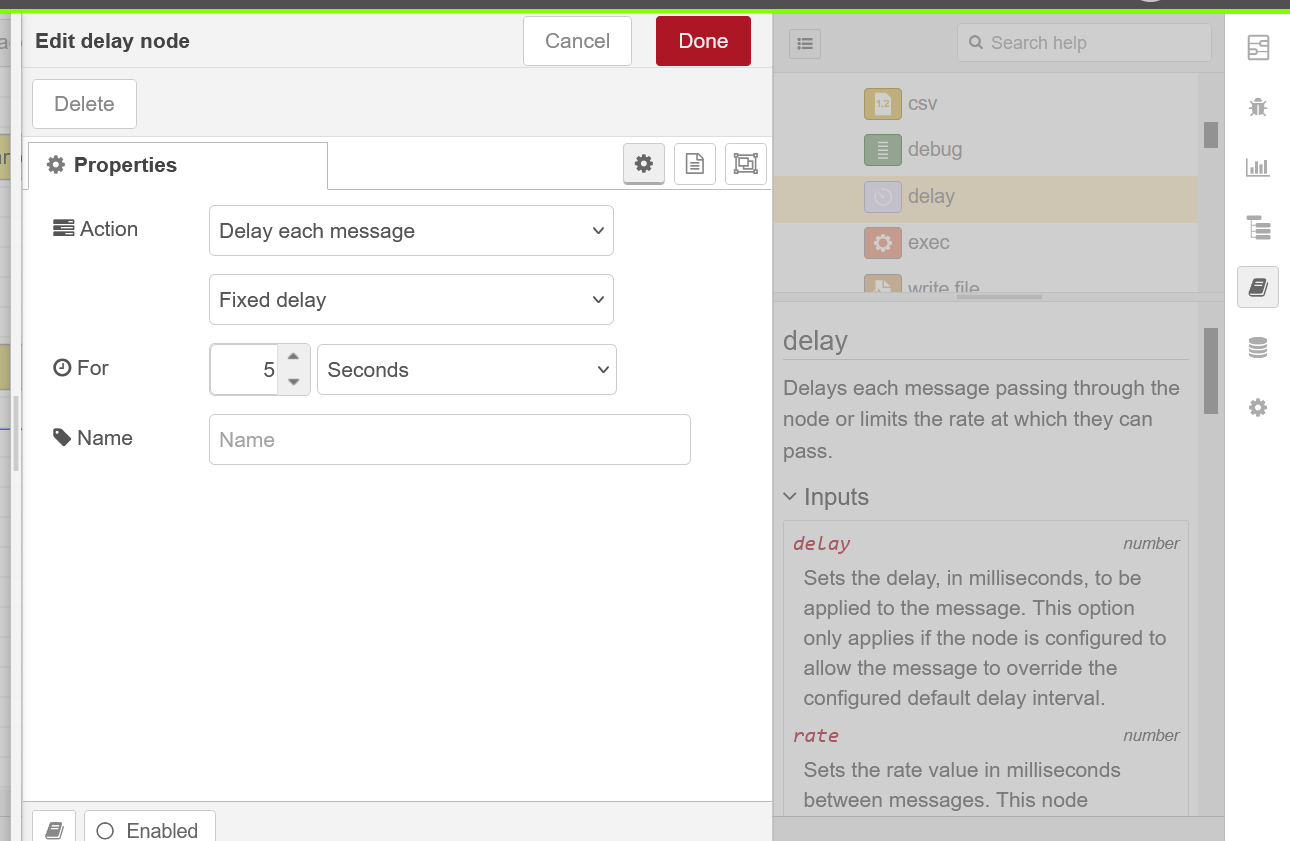
When you open a node config window with the sidebar set to "Help" the sidebar is greyed out making the help less accessible.
5.0
4.1
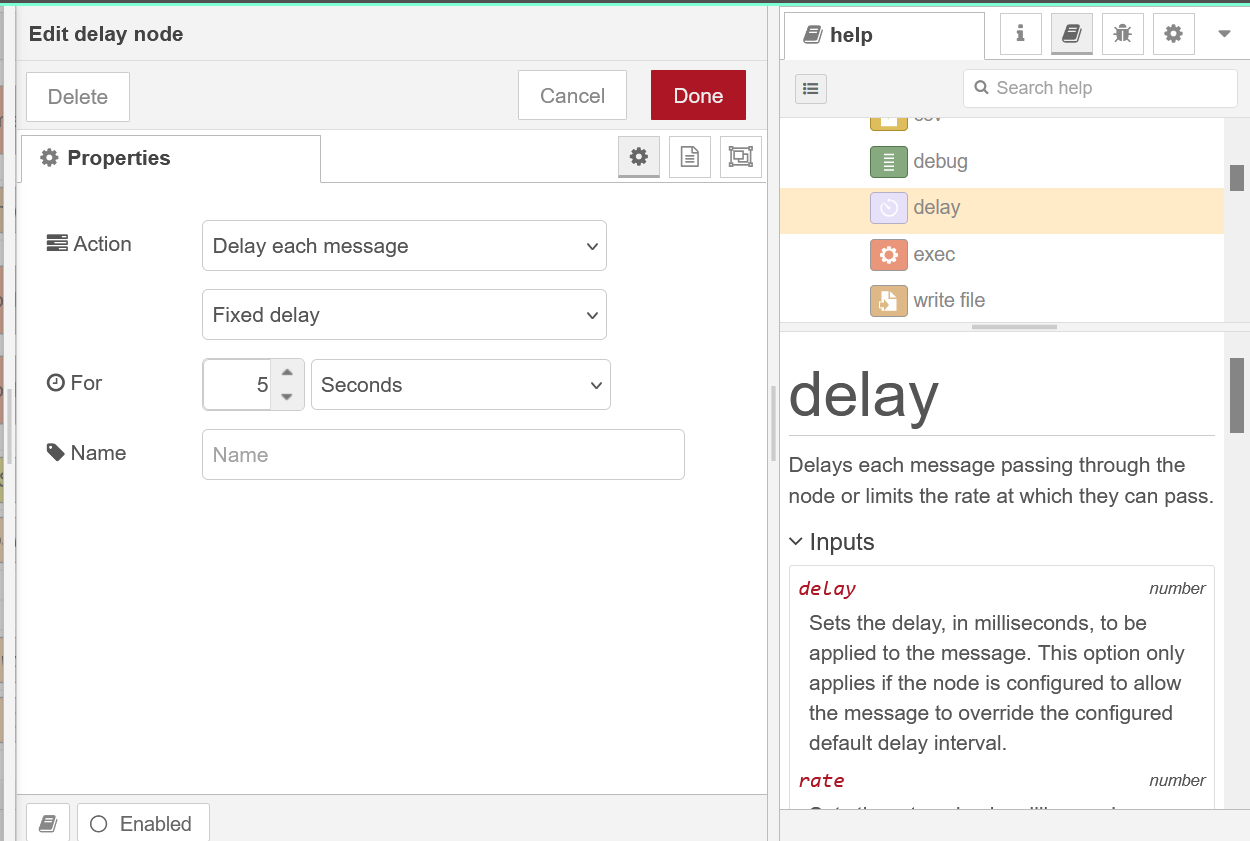
In 4.1 the hamburger menu is inactive with a config window open, but the only sidebar greyed out is the palette. The others, and their interaction, are still functional. In fact if you double click a different node on the information tab, it closes the current window and opens the one you clicked.
1 Like
Same on a 'clean' container, without all the settings.js overrides and other files re-used from a 4.x instance. (so running on docker if that makes a difference.)
Appears to be shift - mouse wheel click - scroll now
Not sure I understand what you're saying here. There is indeed a button in the scroll wheel, but I never scrolled with the button pressed before. (and it just scolls vertically.)
but it lead me to try the thumb scroll wheel on my logitech mx3 mouse, and that scrolls horizontal.
Yes, hold down Shift and hold the scroll wheel pressed and roll it. Not very convenient, so hopefully this will be reverted to the previous behaviour.
If you press the shift button, then press and hold the mouse scroll wheel while rotating wheel. Not easy but it works, not sure that it is how it is supposed to work though.
This is very strange, because for me, in the beta, I just scroll the mouse wheel whilst shift is pressed to get horizontal scrolling. No need to click the wheel.
1 Like
On Windows 11. I do have the wheel button reprogrammed to the 'Back' function. so that might be the reason that does not work for me.
My container runs in docker on an ubuntu server (24.04.3 LTS) with desktop. If I try Chrome there, I can not in any way scroll horizontally, except drag the canvas with spacebar depressed. 
The thumb scroll wheel also scrolls vertically.
Linux Mint/Vivaldi: shift with scroll wheel just moves up and down
Tried it using Vivadi accessing a NR4 install and shift with scroll wheel scrolls horizontally
Seems, in some way, hardware related.
On my windows pc in chrome, with a no-frills hp wired mouse, the 'shift click scroll wheel' way works. Same on ubuntu.
node-red 4.x scrolls as expected in all tested combinations.
Windows 11, Vivaldi (Chromium):
- Node-RED v4, shift-scroll scrolls horizontally. Shift-click-scroll also horizontal
- Node-RED v5, shift-scroll scrolls vertically. Shift-click-scroll is horizontal.
Does anyone have a mouse where the wheel also has left/right side click? This used to be quite common but seems to have fallen out of favour.
Windows 11, Edge. Node-RED on Pi
Same
Answering the kind invitation, could we consider the perspective concept used by Eclipse and other IDEs to group the different panes and sub-panes for each steps of a project?
For example,
-
A Design perspective with nodes selection, nodes tree, info on selected node, help on selected node
-
A Management perspective with history (local changes), versioning (commit history), configuration
-
A Debug perspective with debug pane, context data
Area number 1 would show a general perspective selector on top. The selected perspective would update panes number 2 and number 4, keeping central pane number 3 always displayed.

1 Like
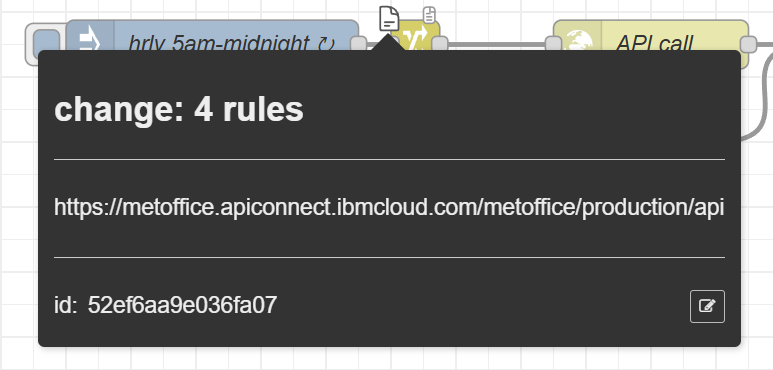
Tooltip at the top left of a node to indicate there are comments inside doesn't appear to be working. (I may just have forgotten how to enable it)
The icon does not have any content so it cannot show anything:
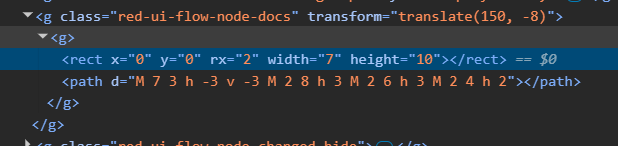
It is the contributed doc-red plugin that has the tooltip display.