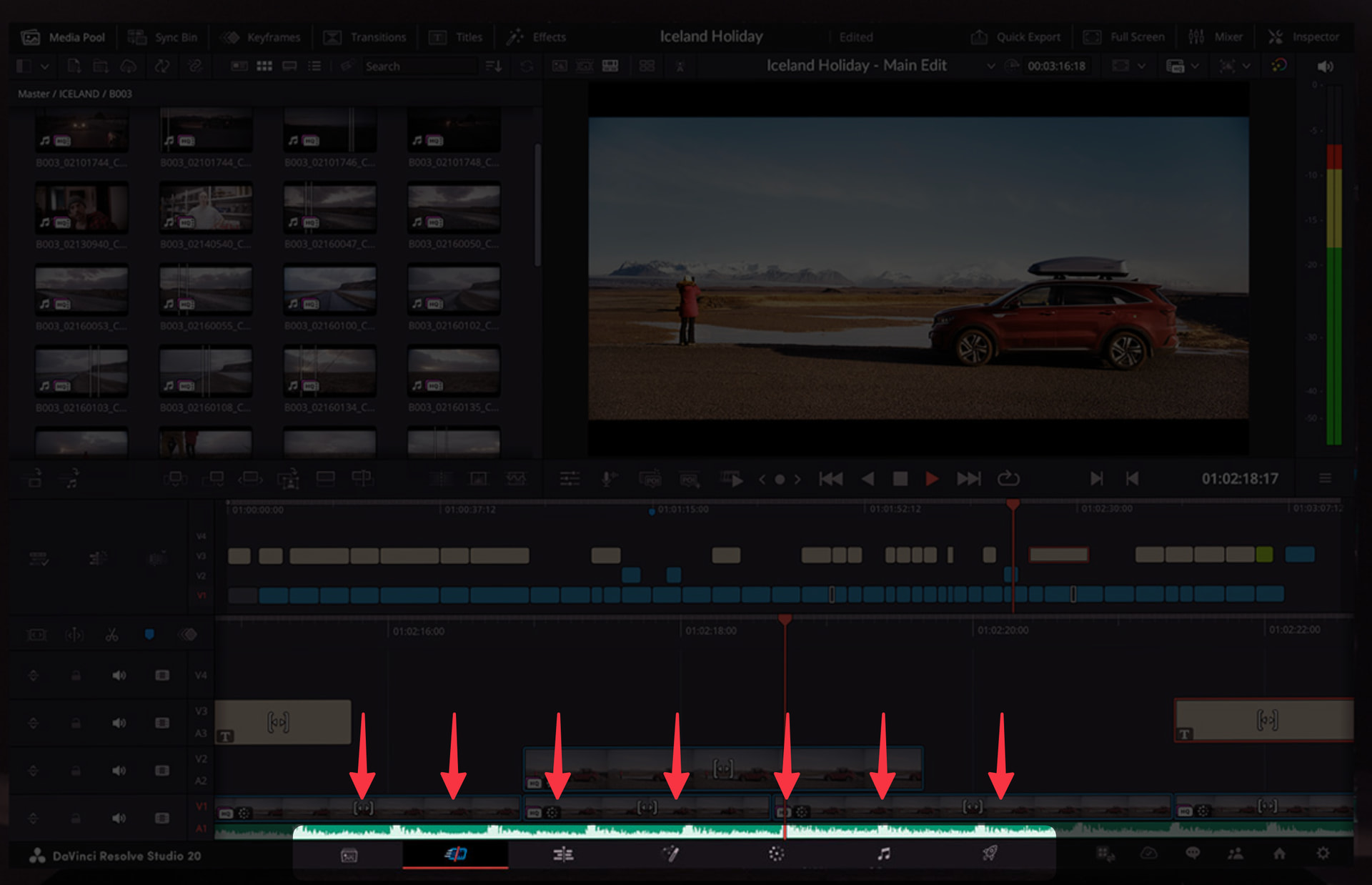
Very interesting! This is a little similar as to what editors like Davinci resolve do where they want to cater to workflows that are up or down the waterfall of video development. Not saying that it is a pure waterfall workflow, but they do have a stage called postFX for a reason .
Something what would be helpfull is if you can show and tell about what problem this would solve for you and when you have encountered it. Looking for specifics here, not conceptual.
I think this way of thinking is certainly something to keep in mind. We could cater towards more specific workflows with certain presets for example. For now, however, the idea is make sure we don't create additional complexity in the UI, plus make sure that customizing it to your needs is as simple as possible. With that as the foundation this is something we can look into.
Feel free to open up an issue on GH on it if you'd like so we can track this problem space and potential solution. Though if enough merit is there for it, it will pop up regardless
For now, if they are related to things we're doing in the beta, add feedback to this thread. If they are wholely new feature suggestions, post a new topic here in the Core Development > Feature Requests topic.
I think left click was always selection, maybe many years ago it wasn't. I don't remember it ever being pan. Space bar making it pan, is an upgrade. How would you do a selection square then, with shift held down?
Using a pen the behaviour is
left click node = select it
left click & drag = pan view
-- but it still works the same in the Beta.
Selection square with a pen is impossible, which is a bit sad.
I suggest a toggle in settings. But with "left click is pan" mode, space bar should force the "selection square" behaviour.
Probably would be better to have it as a small button in the bottom bar. That way, it can be toggled easily - since I'm guessing that most people who use pen/touch, don't do it all the time.
Hold left button down and drag, which I think is what you mean, did not drag on previous versions. It is used, for example, to draw a box round a number of nodes to select them all.
On NR 4.1, holding down the left mouse button on the scrollbar pans left/right or up/down.
It never occurred to me before that the absence of scrollbars might be deliberate.
But just possibly, it's a desperate attempt to scrounge a few extra pixels desktop space?
If this is the reason, please get rid of the far left and right columns of buttons instead.
Find a smaller space for them elsewhere (cf NR 4.1)
 .
.