Flow needed for image recognition

Ok - what I want is a flow that can look at the image from my Centauri Carbon webcam and determine if there is a previous print still sittng on the bed.

In my mind, this would seem to be a useful job for an Awful Idiot piece of image recognition software.

I view whats going on via an IP address
http://192.168.0.184/network-device-manager/network/control

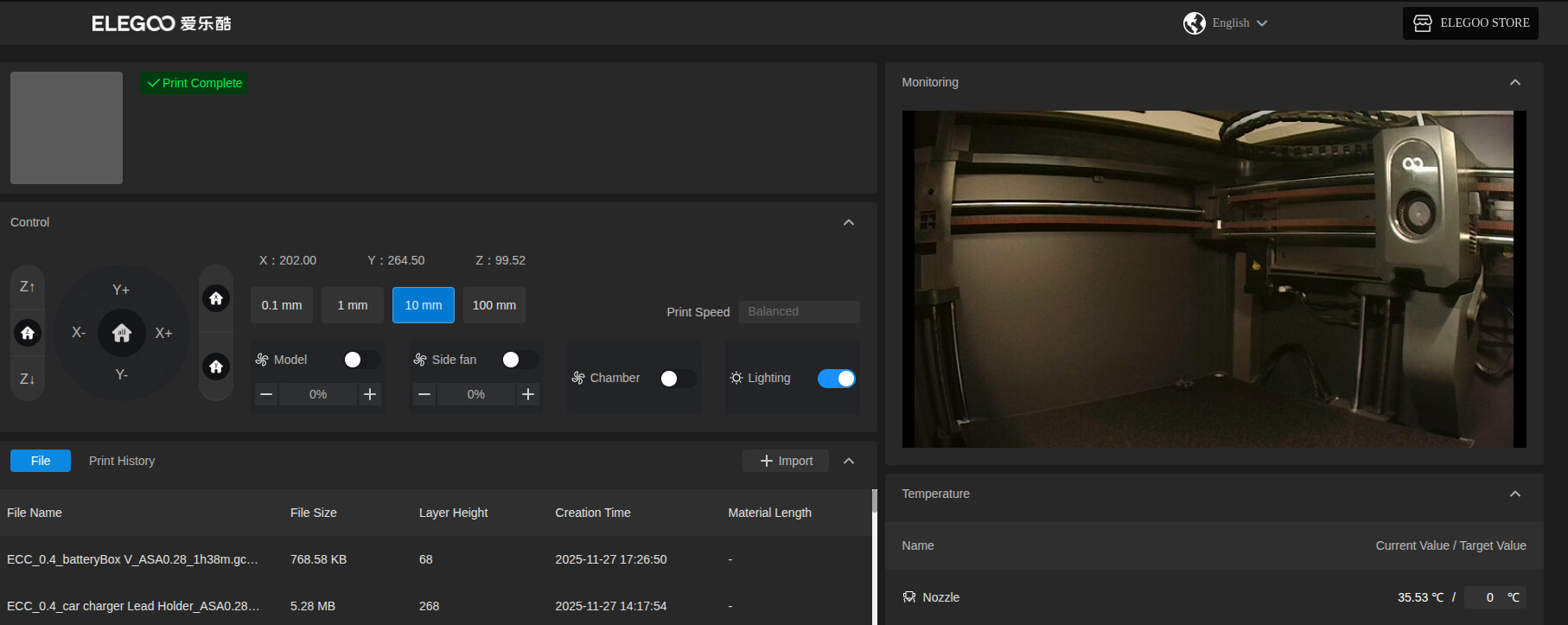
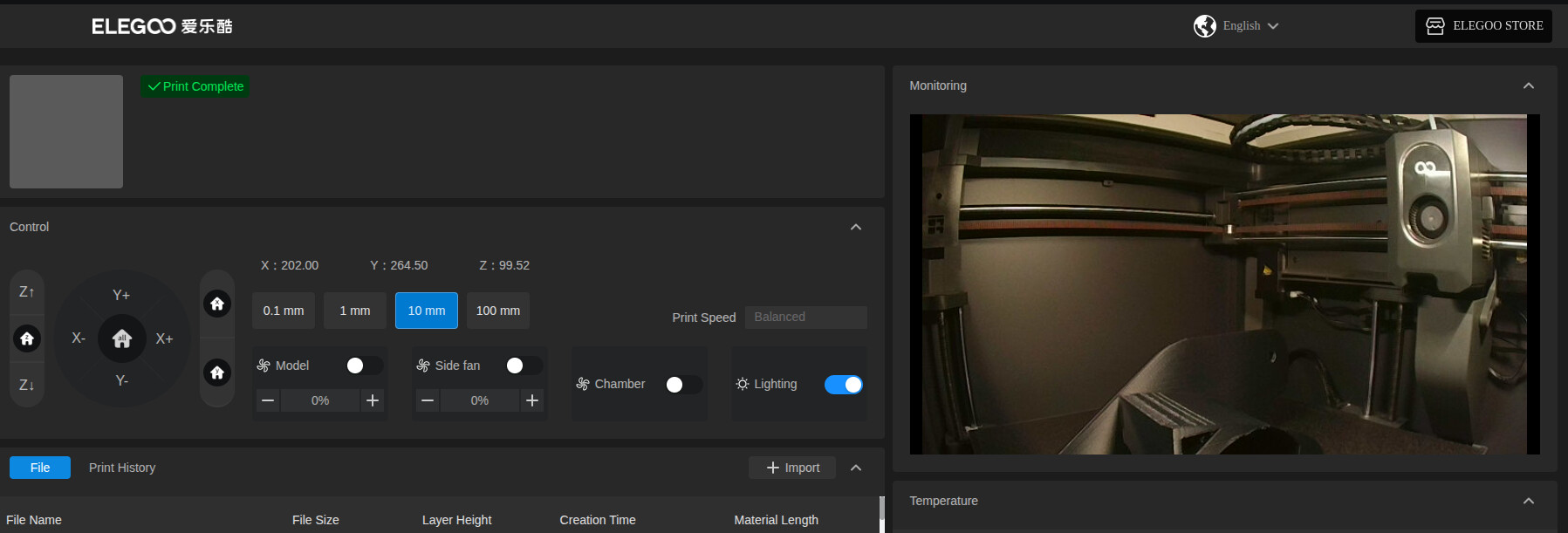
and this what it shows when nothing is lying on the bed

so in my mind, all it has to do is detect a small (configurable) difference from this image
e.g

I am printing in black ASA at moment so I think this is the most challenging scenario

The reason for this request is that twice (today) I've started printing before removing the previous print :slight_smile:

Printer is in another room.

So I think I need control the equivalent of a studio red light above my monitor to let me know not to press "print" without getting off my backside and going thru to where the printer is

Why would you print something and not remove it from the bed once finished...?
Why wouldn't you walk to the other room and get it.

Anyway, you can feed this to an AI and ask if there is something on the bed or not.
You can use pollinations for free, example for image recognition, pass the image in a post request as base64.

1 Like

As Bambu already has this feature, the best flow recommendation would be to buy a Bambu.

1 Like

Perhaps you could use Teachable Machine for this? watch this : https://youtu.be/-kBCq-M3gSA?si=DvZk3sfspl5hJnKW

Because it may take 3 hours to print. One does not sit around waiting for it to finish. I suspect that anyone with a 3D printer will have done this at least once.

2 Likes

But very few of us have done it twice in the same day :slight_smile:

True. I think I have done it only once.

I'm failing at the 1st hurdle - using puppeteer to try and get a screenshot of the webpage is crashing NR

Never had a lot of success with pupetteer in NR. I think the last time I did this I had to use an exec node and use puppeteer natively

Are you running headless? Then you may need to provide the arguments for a headless browser, i have a working flow somewhere, can provide it later.

1 Like

Using a function node, in setup tab; add puppeteer, assumes you have installed chromium

const browser = await puppeteer.launch({
    headless: true, 
    executablePath: '/usr/bin/chromium', 
});

const url = "http://192.168.0.184/network-device-manager/network/control"

// Open browser and navigate to page
node.status({ fill: "yellow", shape: "ring", text: "starting browser" });
const page = await browser.newPage();

// you may need to set the proper browser size
await page.setViewport({
    width: 400,
    height: 800,
    deviceScaleFactor: 1,
    isMobile: false
});

await page.goto(url, { waitUntil: 'networkidle2' });

const element = await page.$('body');
node.status({ fill: "blue", shape: "ring", text: "taking screenshot" });

const image = await element.screenshot({ encoding: 'base64' });

await browser.close();

node.status({});
msg.payload = image // result = base64

return msg
1 Like

We have wormsign :slight_smile:

Got a few errors to start with and then worked out I needed to cd to my .node-red/ folder and run
npm i puppeteer

and then it worked :slight_smile:

Having set width to be bigger I'm now getting enough image to display webcam window

Unfortunately, as you can see, I get a connection failed message

This is exactly what happens if I open a real browser tab on the ip address but after about 5 secs - the webcam image appears

There are several methods available to wait for certain content to show up.
What happens if you open a browser to http://192.168.0.184:3031/video ?

:slight_smile:

Where did you unearth that info from?

Elegoo carbon video feed on google :wink: does the feed start immediately? You probably could also use the pipe to jpeg node to capture an image instead of using puppeteer

Google you say? Never heard of it :slight_smile:

Pipe to jpeg node?

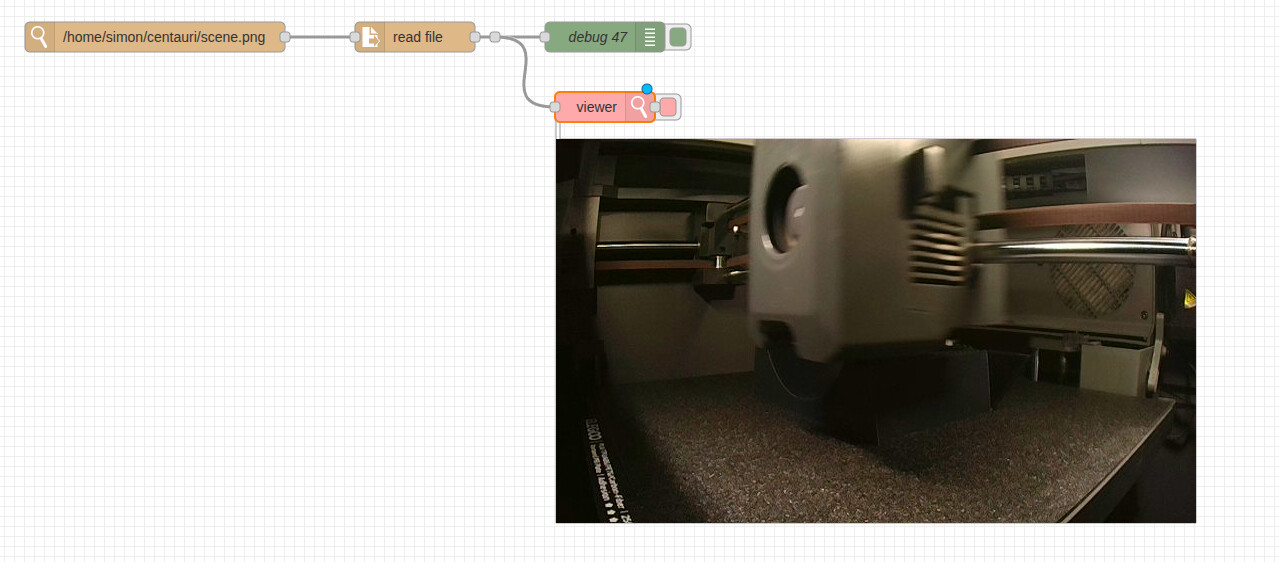
I've not been able to work out what to do to get images out of the stream purely using NR but I've manged to make VLC take regular snapshots and write it to a png so this will do for the moment

so now comes the hard part - getting it to recognise difference between their being an object on the plate or not :slight_smile:

If everything normally is exactly the same from picture to picture, I think I have seen somewhere you can do a contrast or pattern comparison somehow. Assuming change in contrast means "something" new is in the image, most likely your print job if all other conditions are the same...

Or maybe this can help:

I'm after something that can tell the difference between an empty plate and something on it where the something could be anything (inc small black object !)